
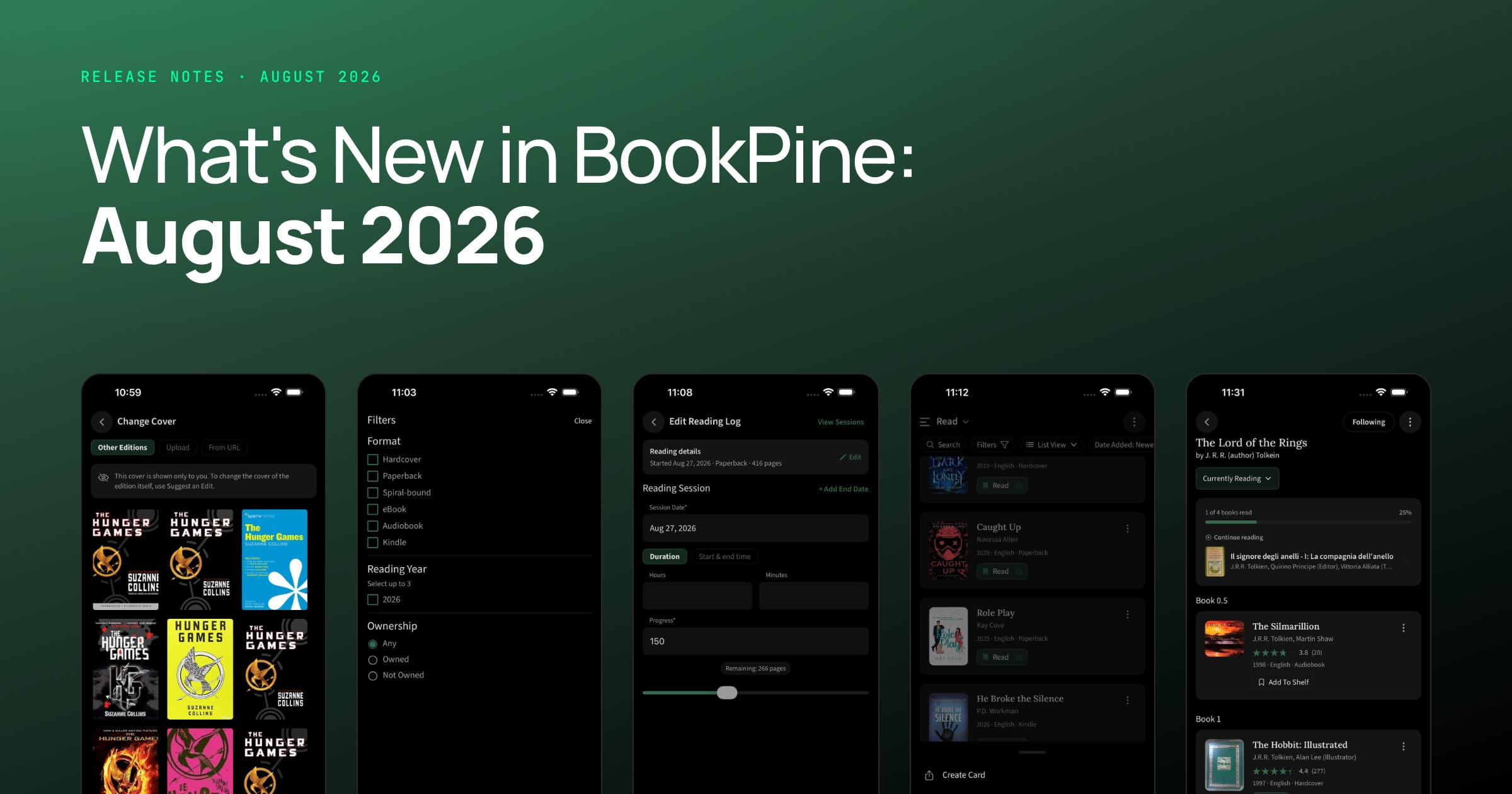
It was a busy month with four new themes, custom covers on any book, and filters in all the places they were missing. Plenty of smaller things too, including a long overdue round of screen reader work.
Four New Themes
Light and dark used to be the entire list. There are four more now.
High Contrast Light and High Contrast Dark put a visible border on every surface and stop dimming secondary text, so nothing fades into the background. True Black is what it sounds like: a genuinely black background, kinder to an OLED battery and to your eyes at 2am. Sepia is a warm, paper-inspired theme designed for comfortable, extended reading sessions with gentle amber tones that ease the eyes and mimic the feel of a well-loved paperback.
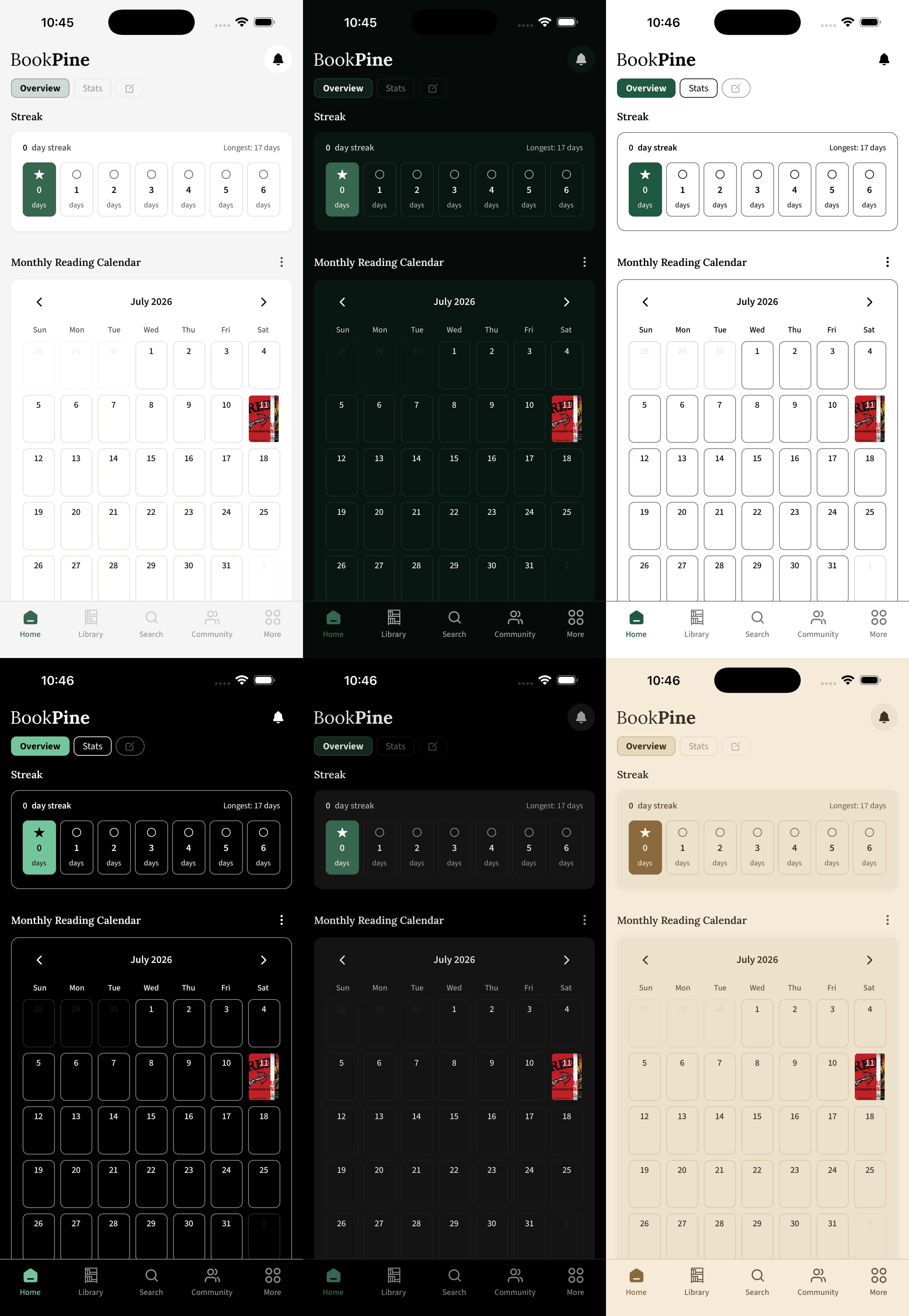
There's also Auto, which just follows whatever your device is set to.
Custom Covers
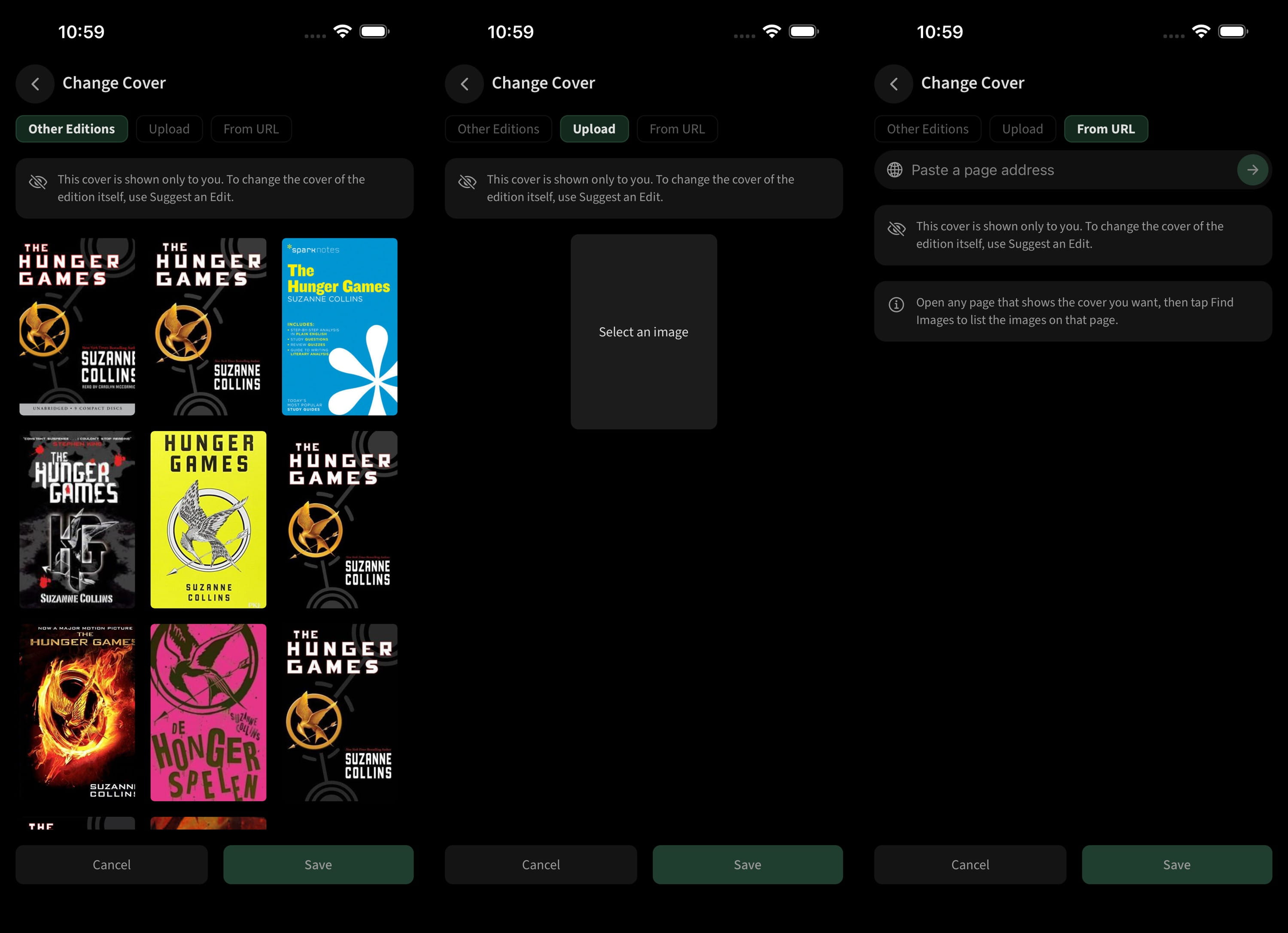
If you don't like the cover we show for a book, replace it. Upload your own image (JPG, PNG or WebP), pick the cover from another edition of the same book, or paste in the URL of a web page and choose from the images we find there.
Whatever you set is yours alone. Nobody else sees it. It follows the book everywhere it turns up: shelves, the spine view, search results, reading circles, the timer, lists. Take it off and the original comes back.
Two limits. You can keep a hundred custom covers. And private books don't get them, because a private book is already your own record and you can edit the real cover directly.
New Filters
Filters only ever existed on books. Now they're almost everywhere.
Reviews
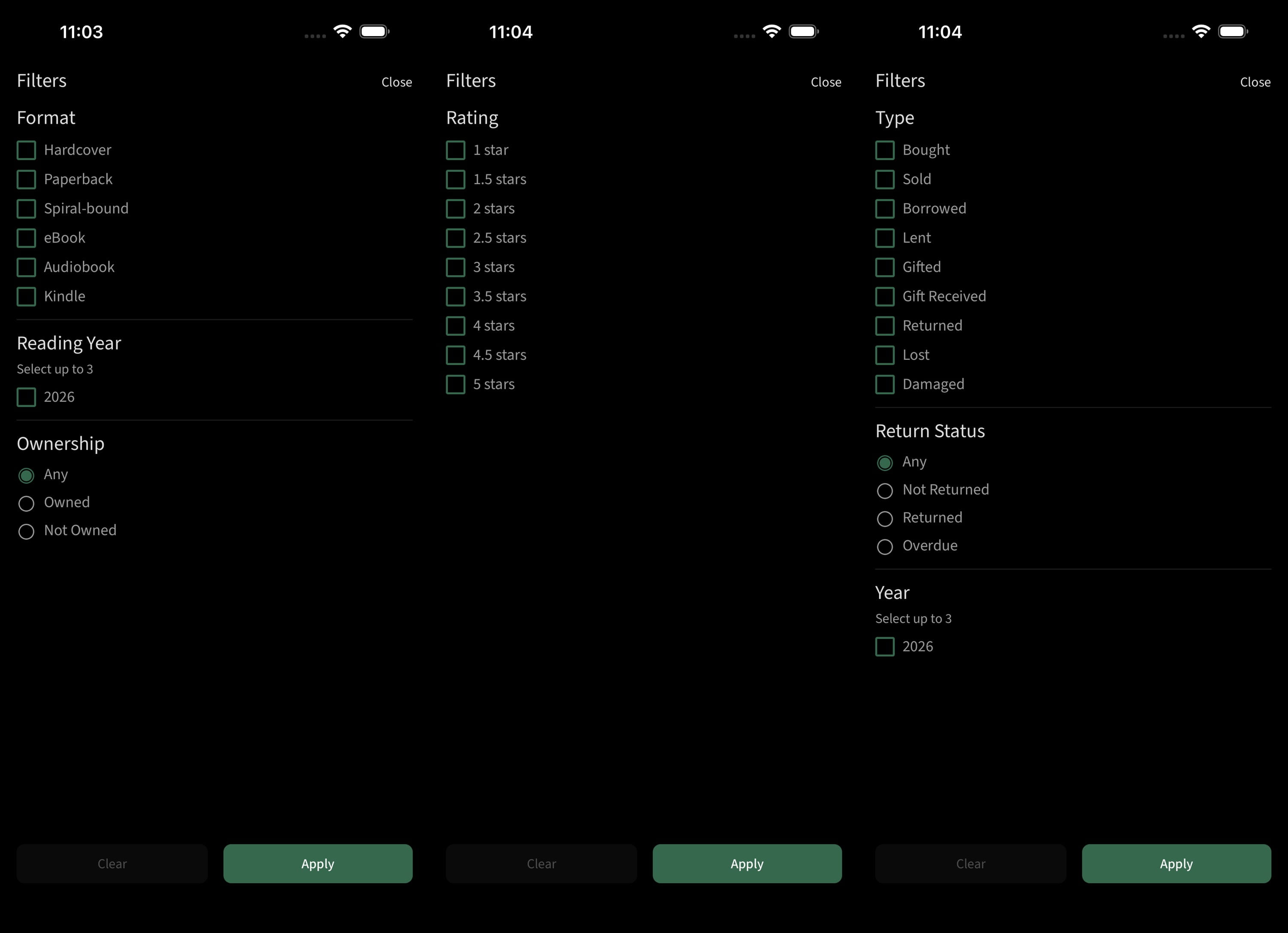
Filter by rating and by language. Sort by date, or by rating in either direction.
Reading Log
Filter by status, format and finished year. Status includes Paused now, so you can pull up every book you set down halfway.
Transaction Log
Filter by type, by year, and by whether something is out, back or overdue.
Your Library
Filter by whether you own a book. This finally surfaces the ones you own but never got round to shelving.
Reading Sessions and Stats
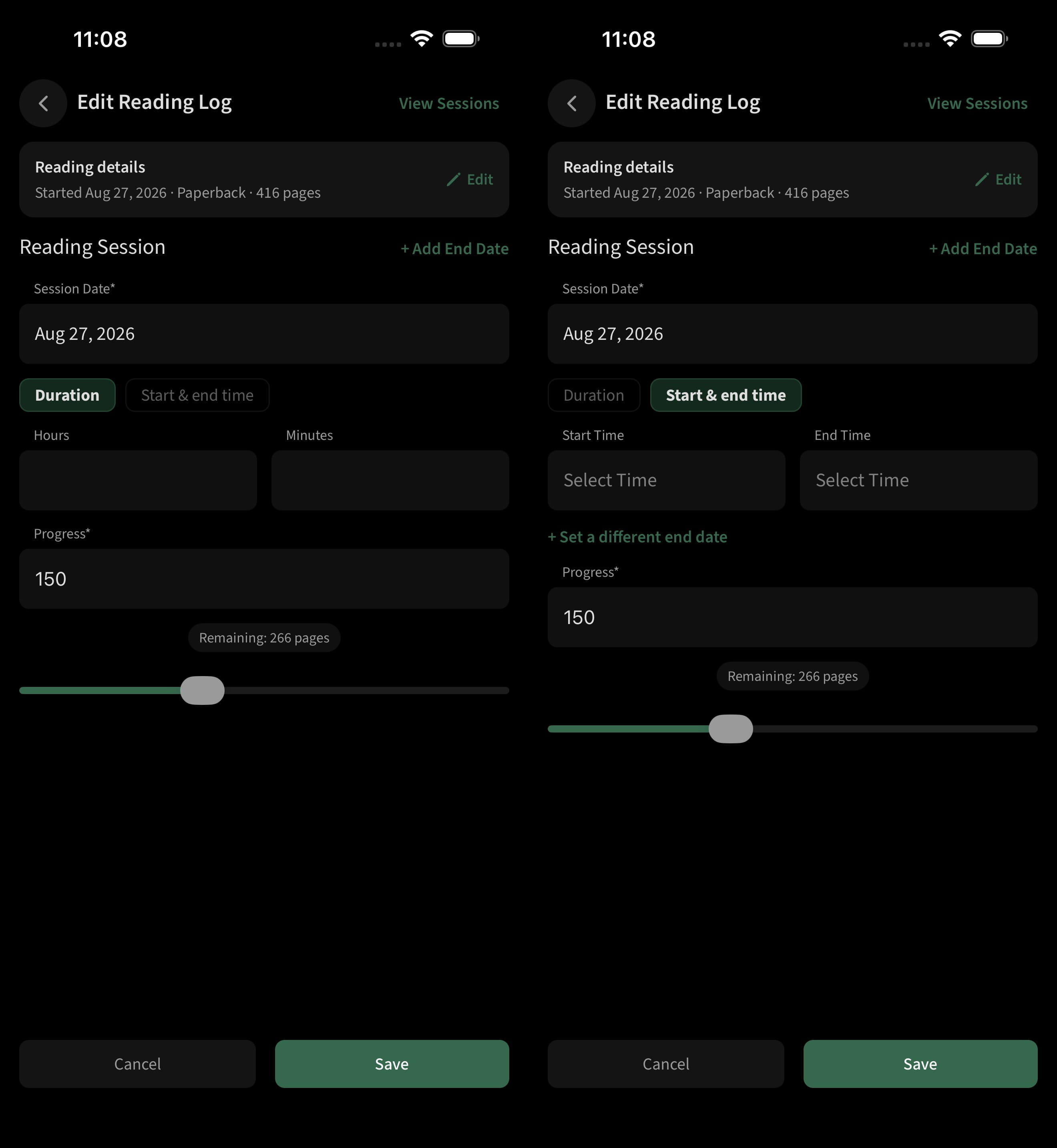
Logging a session used to mean start time, end time, every single time. There are two tabs now. Type a duration if you know you read for forty minutes, or enter clock times if you'd rather, with a separate end date for sessions that run past midnight.
You can set the date on a review now, rather than being stuck with the day you happened to type it. Useful if you're catching up on books you finished months ago.
Library Management
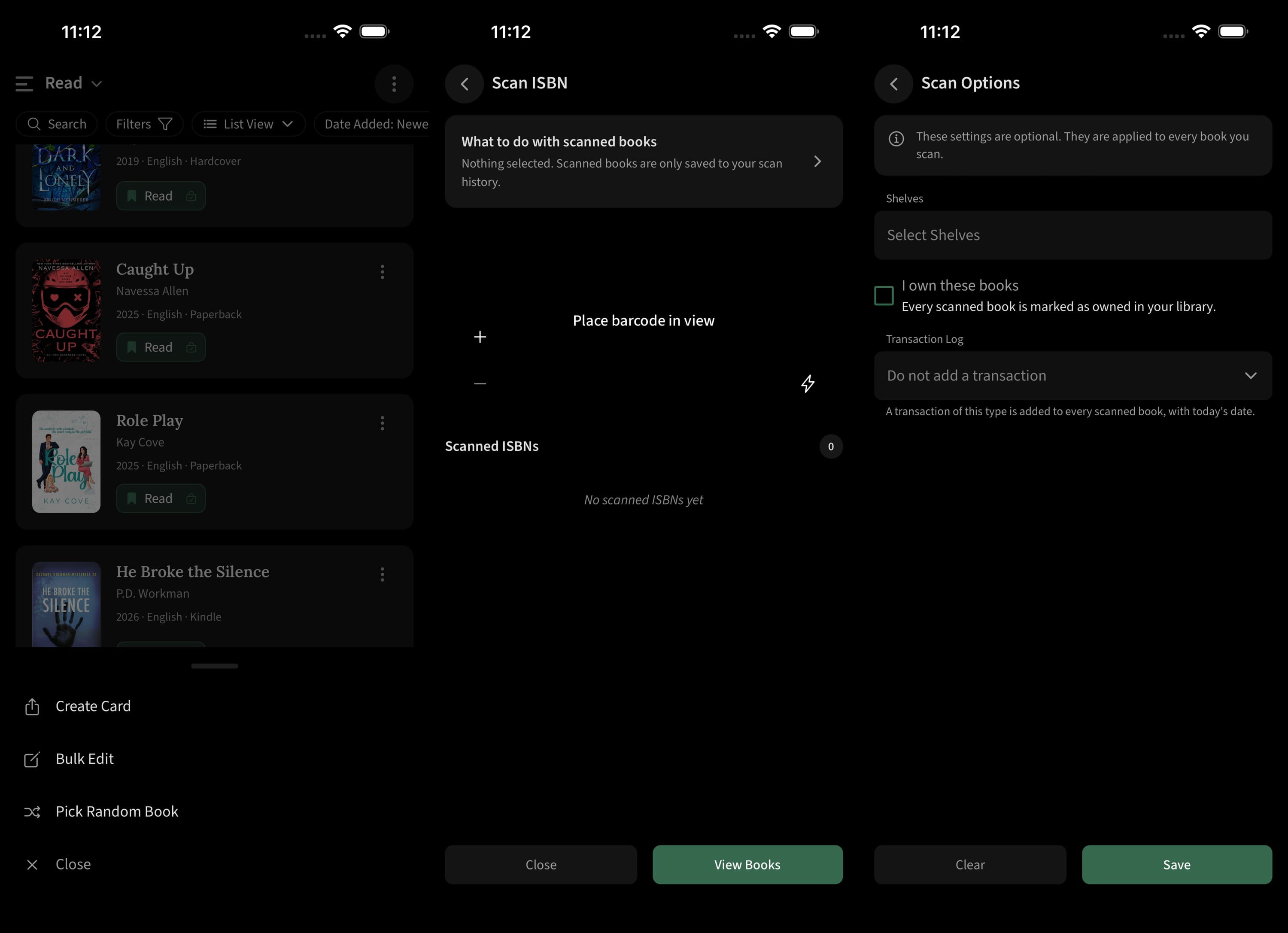
There’s a shuffle button on every shelf. It picks a book at random and drops you on its page. It only shuffles the shelf you're looking at, so you can roll the dice on your to-read pile without the rest of your library getting involved.
The barcode scanner carries more than an ISBN now. Before you scan, set which shelves the books should land on, whether you own them, and whether to create a purchase or loan record. All of it applies when a scan turns into a book, so a stack of new paperbacks is one pass instead of three.
Series
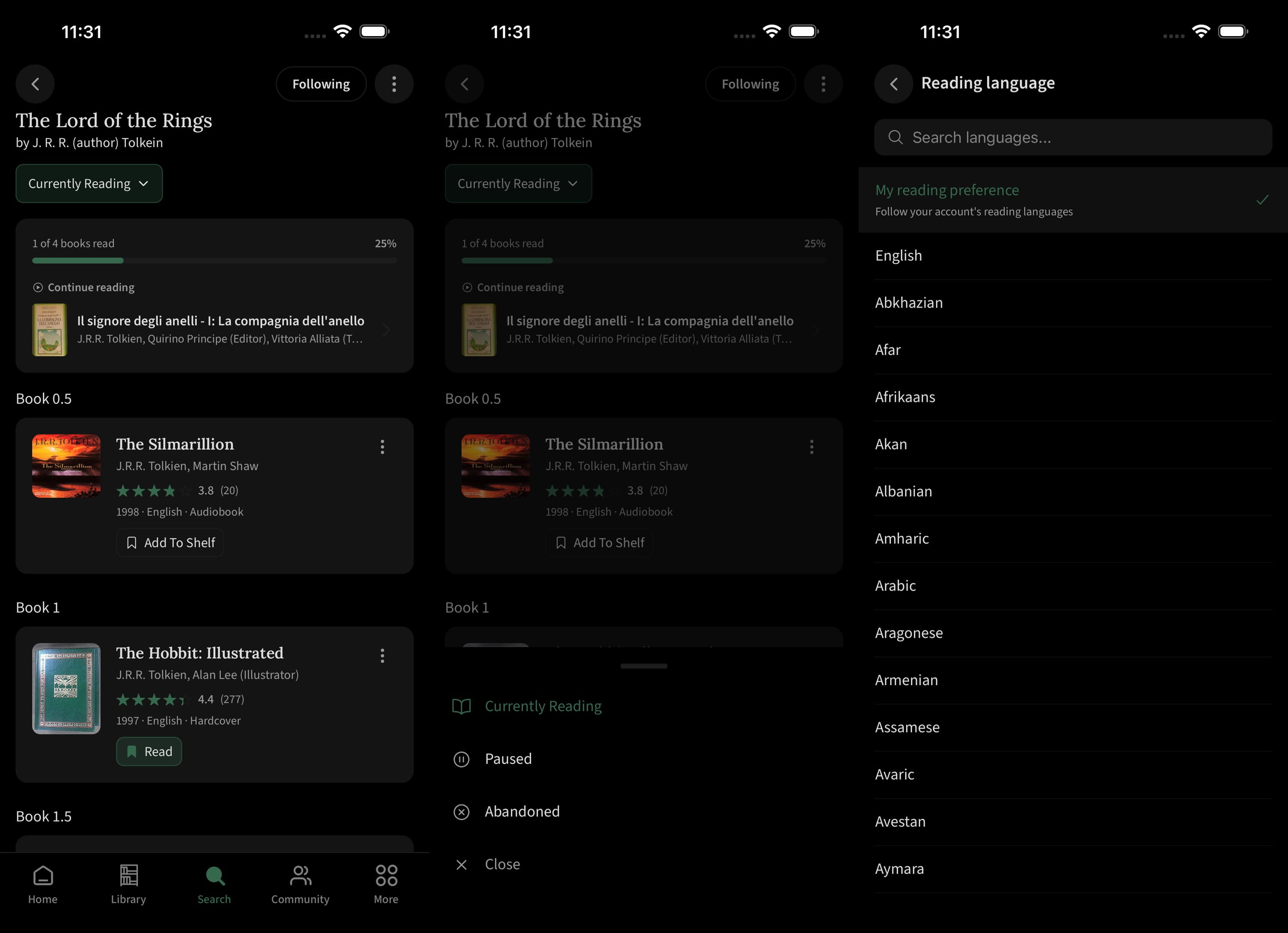
Series pages show a progress bar along with a smart card for the next book once you're partway through. The card's label adapts to your progress—reading "Start reading" before you begin and "Currently reading" once you've opened the next book—and disappears entirely when you finish the series.
Set a reading language on a series and your progress counts against the books actually published in that language rather than the full international list. If nothing in the series exists in your language, we tell you that instead of showing an empty bar. The same logic decides which edition you're shown, ranked by whether you already have one shelved, then language, then format, then whether it's available.
Other changes
Recommendations follow your reading languages. New releases, upcoming releases, trending books and new books in your series all respect them now.
We improved accessibility for screen readers across the app. Buttons and images now have proper labels, tabs and toggles announce what they are, and selectable items say whether they're selected. VoiceOver and TalkBack should get you through the whole app.
What's next
The feature request board is where to tell us what to build. It's searchable, so have a look before you write yours up, and vote for the one that's already there if someone beat you to it.